
Last updated: June 26, 2020
In order to add new options to a multiple checkboxes, radio select, or dropdown select form field, you must edit the original contact property.
- In your HubSpot account, click the settings icon in the main navigation bar.
- In the left sidebar menu, navigate to Properties.
- Locate and click the name of the property to add options to.
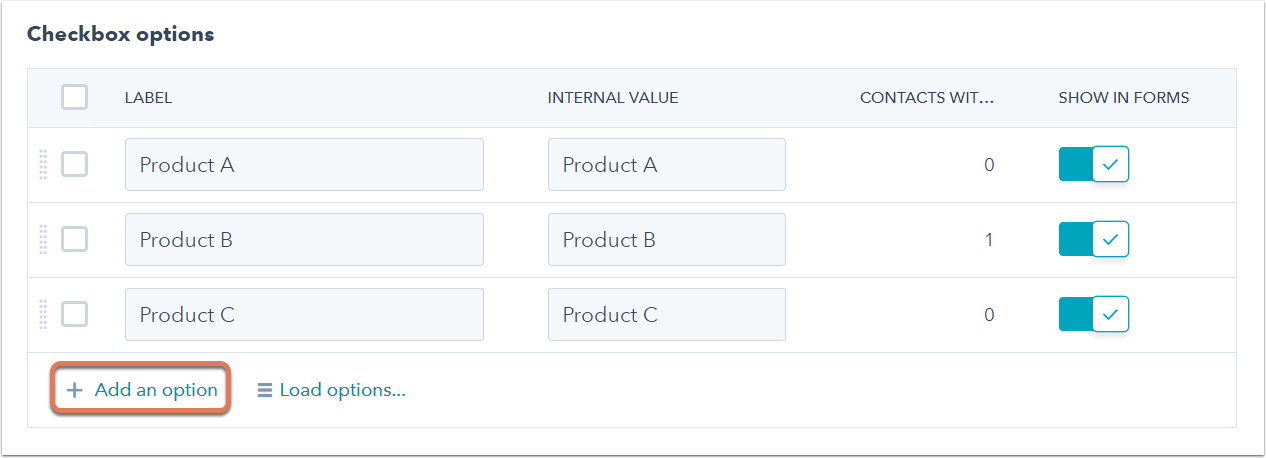
- Ensure that the Show in forms switch is toggled on for all the property's options you want to show in forms.
- To add a new property option, click + Add an option.
- Enter a label for your new option.
- In the bottom left, click Save.
