
Last updated: June 26, 2020
In HubSpot, you can add notes to records. Mentioning a team member in your note helps to alert them to the note.
However, notifications are only sent when the note is created. If you edit a note then save it, users that are mentioned will not receive notifications.
Please note: mentioning your own user will not send you a notification.
- In your HubSpot account, navigate to Contacts > Contacts.
- Click the name of the contact.
- In the left panel, click Note .
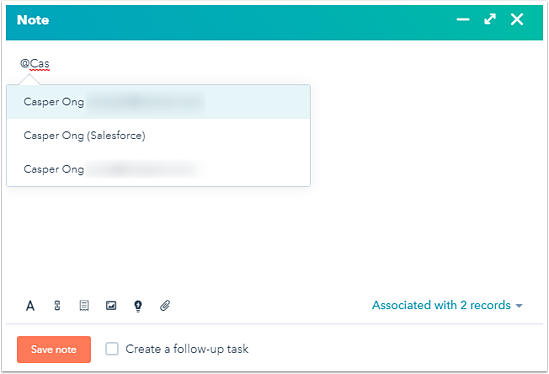
- At the bottom, in the Note window, type @ and your team member's name. In the dropdown menu, select a user to tag them in your note.
- Click Save note.
The mentioned user will receive a notification based on their notification preferences.
