Last updated: October 4, 2023
Edit an existing Google Ads search campaign in HubSpot's legacy ads add-on.
- In your HubSpot account, navigate to Marketing > Ads.
- Click the name of a Google Ads search campaign.
- In the upper right, click Edit.
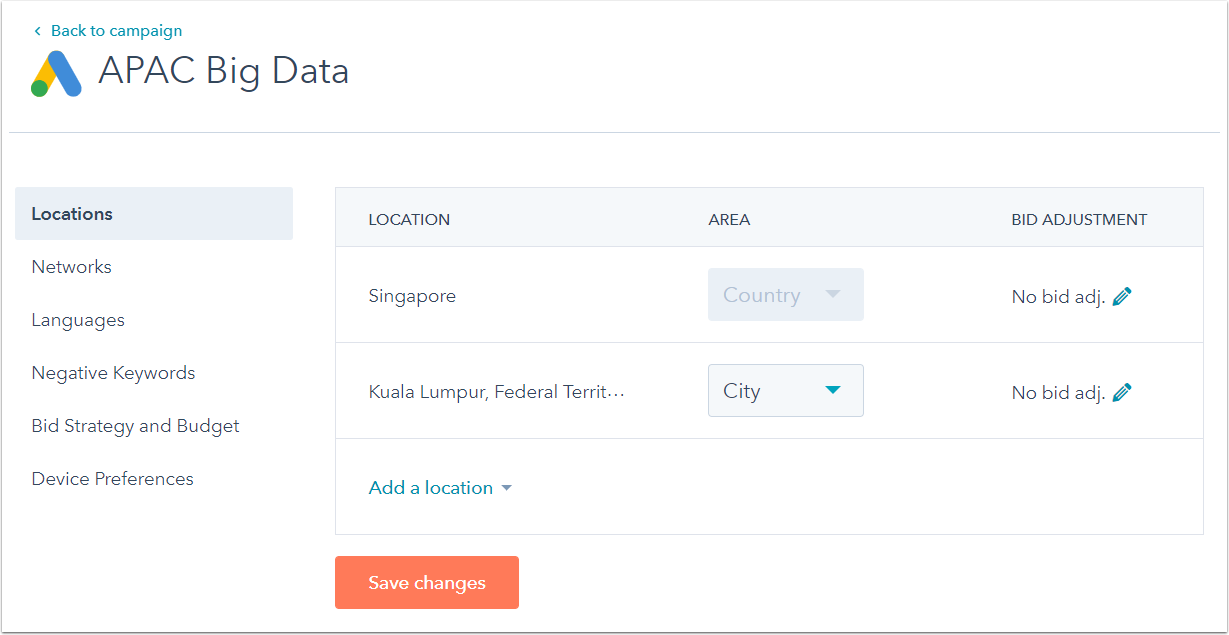
- Here, you can view and edit your search campaign settings:
- Locations
- Networks
- Languages
- Negative keywords
- Bid strategy and budget
- Device preferences
- To update the search campaign, click Save changes.